
One record. One governed action plane. One audit trail.
Braes Proactive finds the work, Ask Braes answers from live data, and Braes Operators perform bounded roles under your operating rules. All three reach the same database, the same registered actions, and the same audit trail — which is why the loop can actually close. Below: the surfaces that make it up, and the architecture underneath.
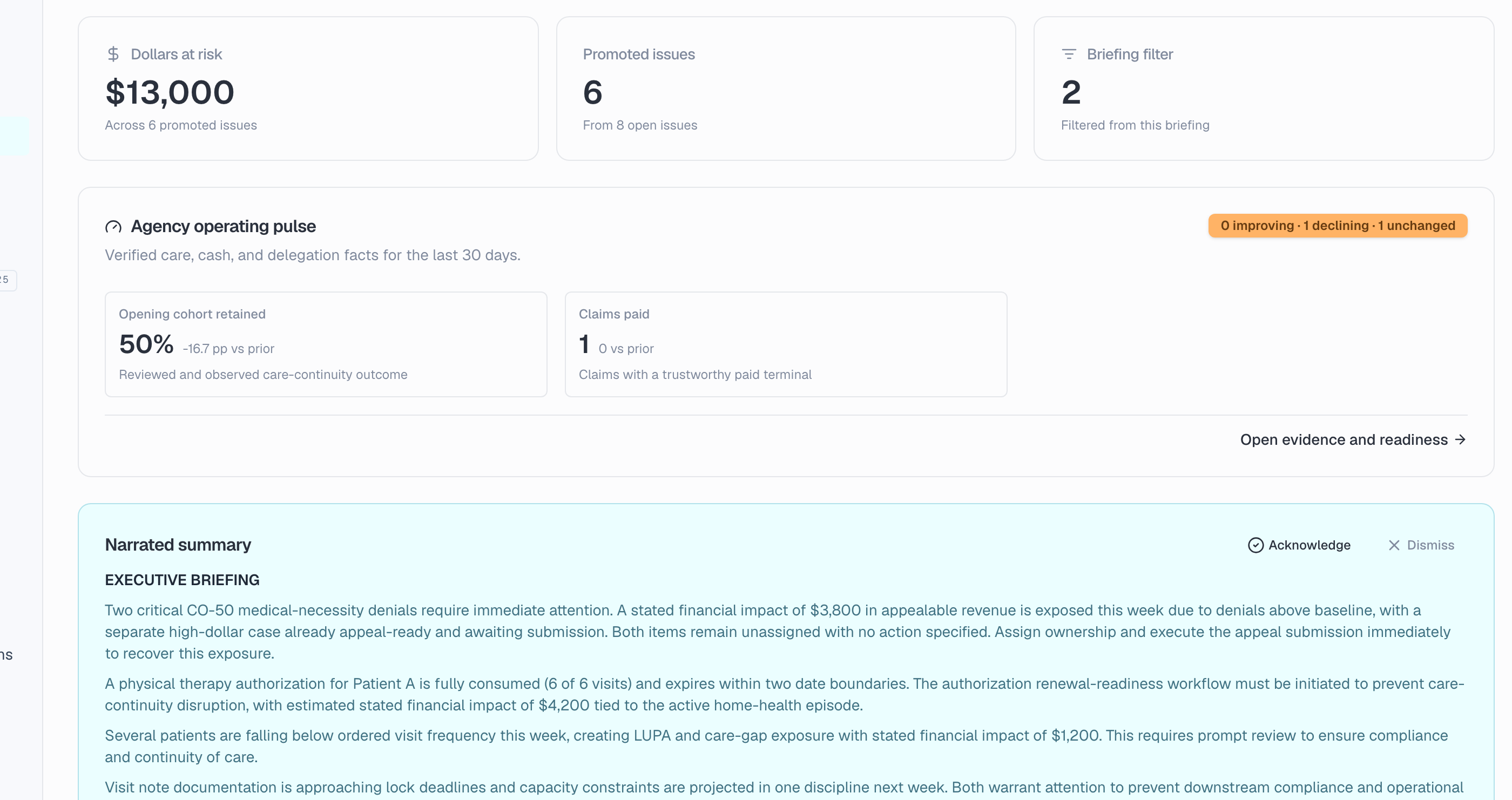
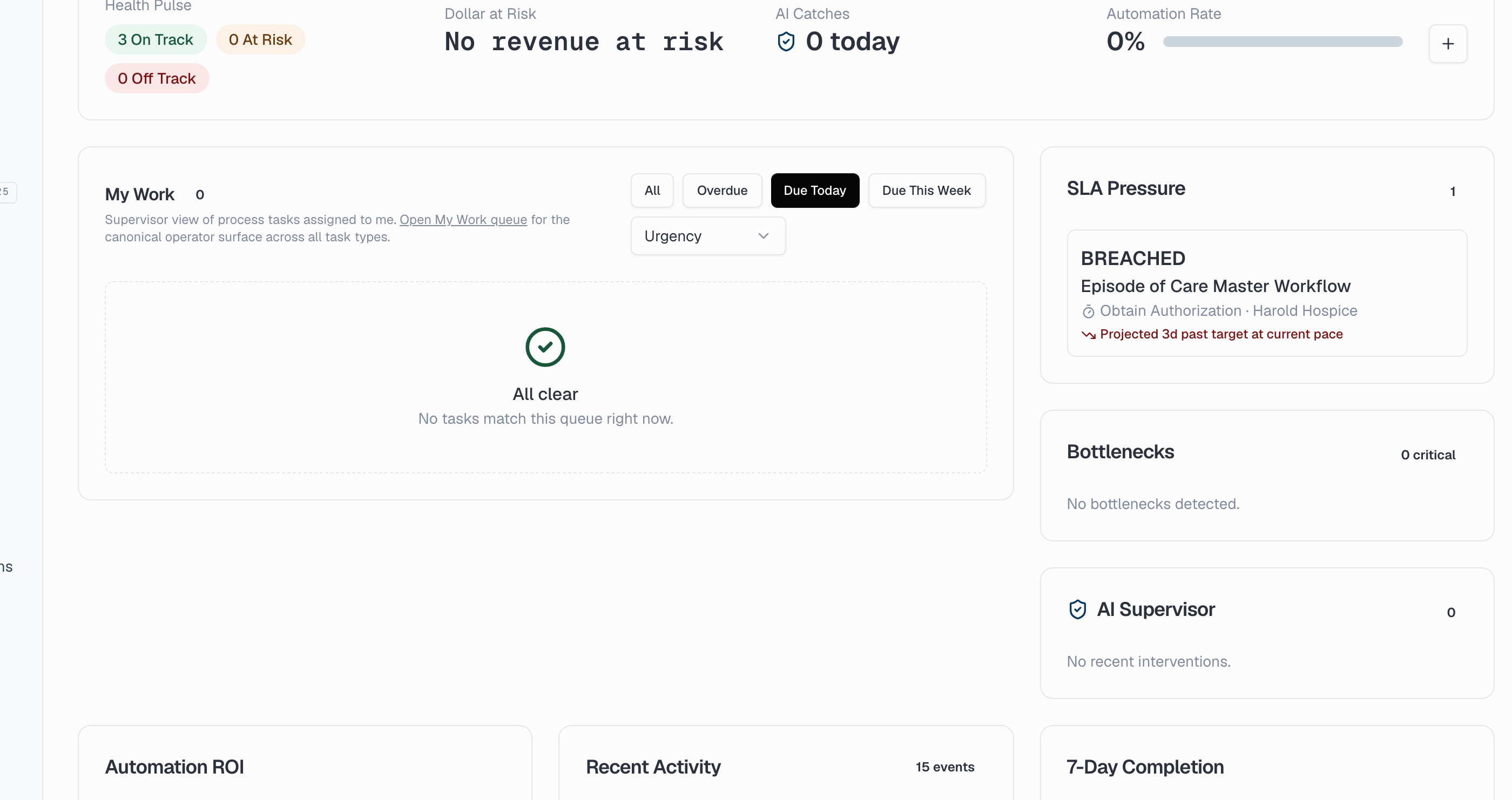
The morning briefing that already knows what matters today.
Braes Proactive runs continuously across every operational, financial, and clinical record in the agency. Issues are clustered, ranked by dollar impact, and surfaced as a single ranked list before the day starts. Each issue is drillable, narrated, and cited back to the underlying record — so the agency wakes up to a list of decisions to make, not a stack of reports to read.
- Continuous monitor across operations, finance, clinical
- Ranked by dollar impact, not arrival time
- Compound risk detection across domains
- Citation-backed narration on every issue
- Drill into any issue from any screen
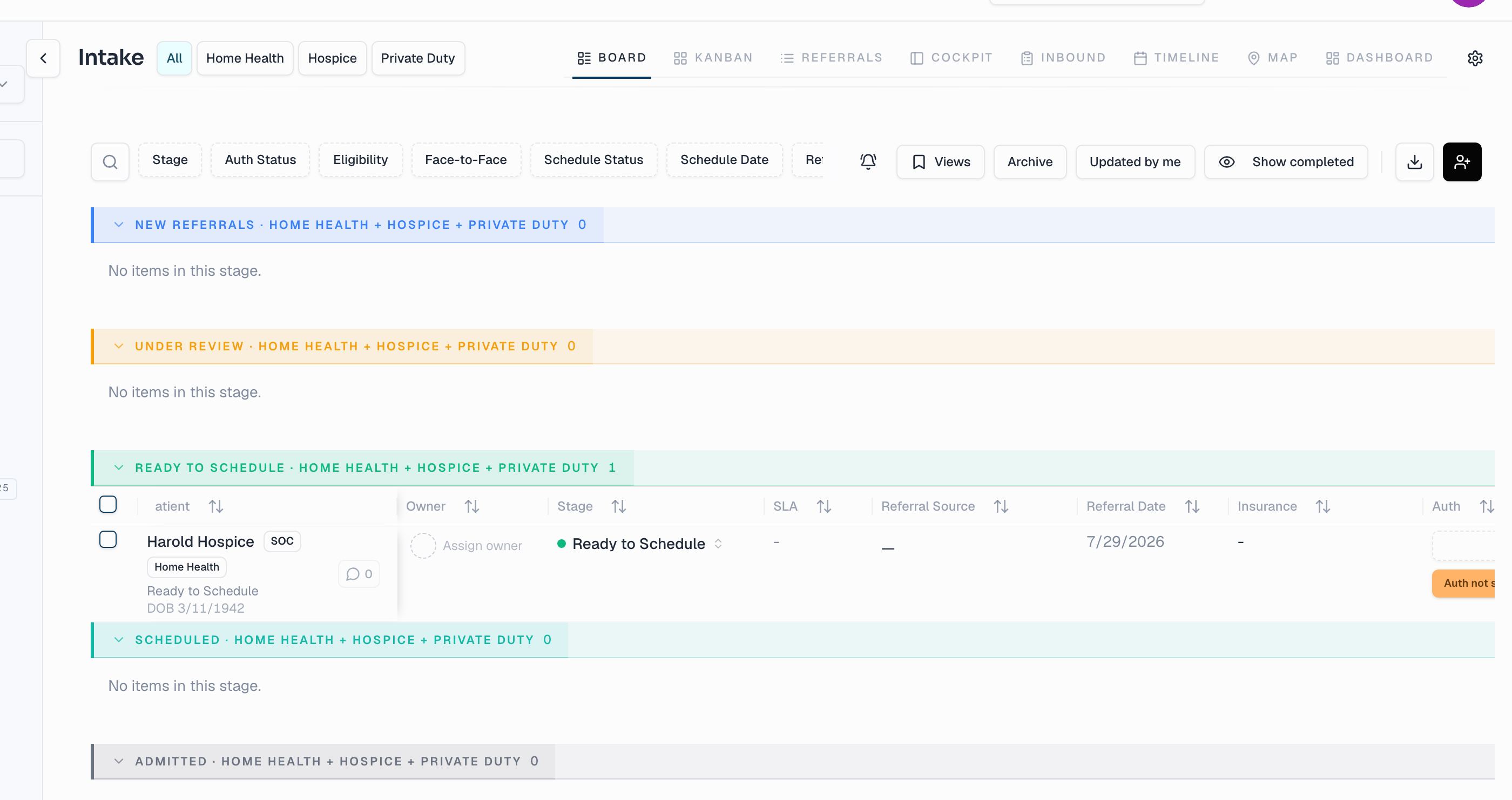
From a faxed referral to a scheduled visit in minutes, not hours.
A fax arrives. Every field on it is extracted automatically. Duplicate patients are flagged on contact. Eligibility is verified before anyone picks up the phone. The intake pipeline runs as a kanban with live operations metrics overhead, and the workflow engine handles the seven hand-offs that used to live in someone's head.
- Document intelligence on every fax
- Duplicate detection on contact
- Eligibility verification on intake
- Workload-balanced kanban routing
- Authorization scheduling baked in
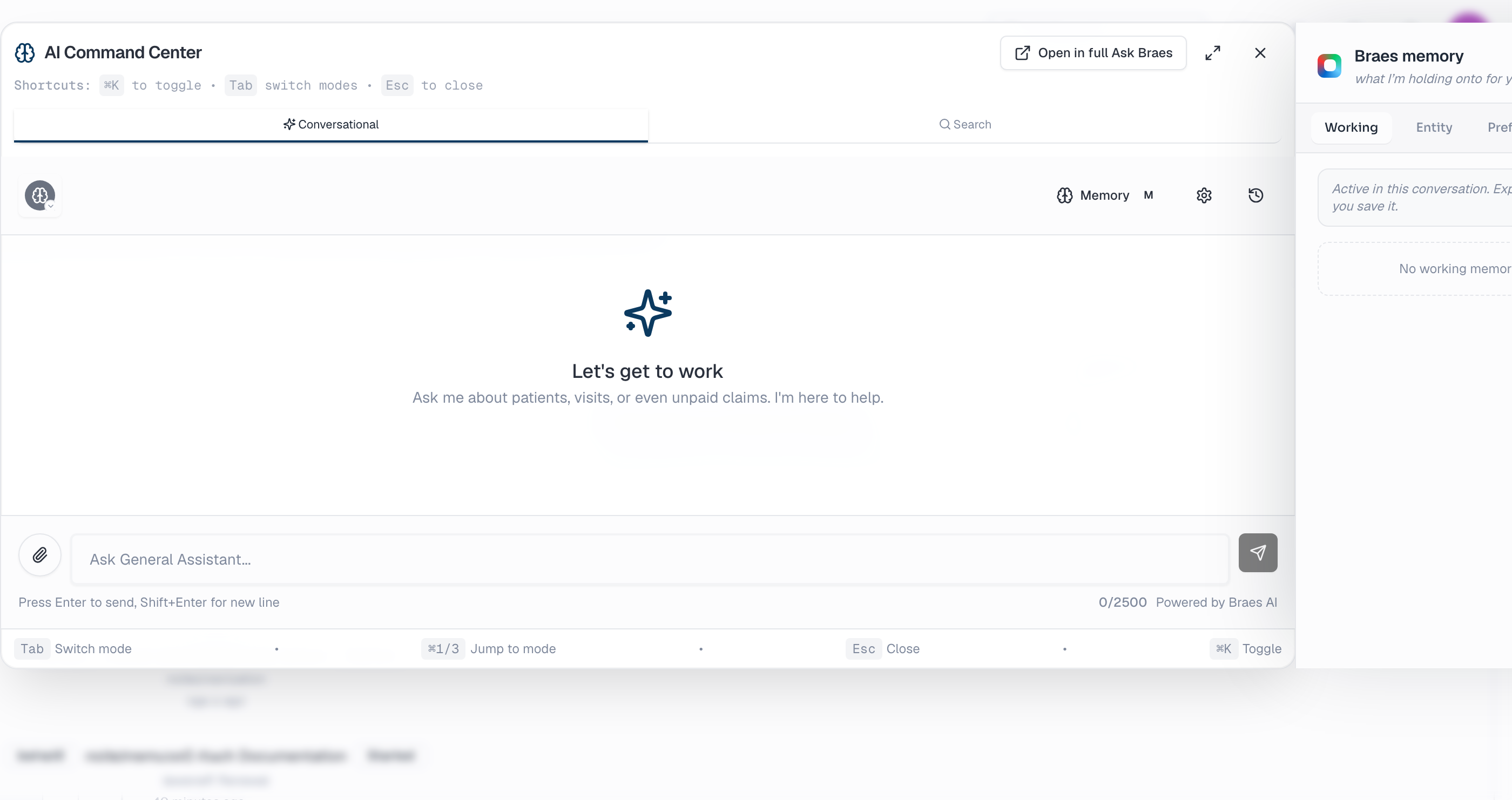
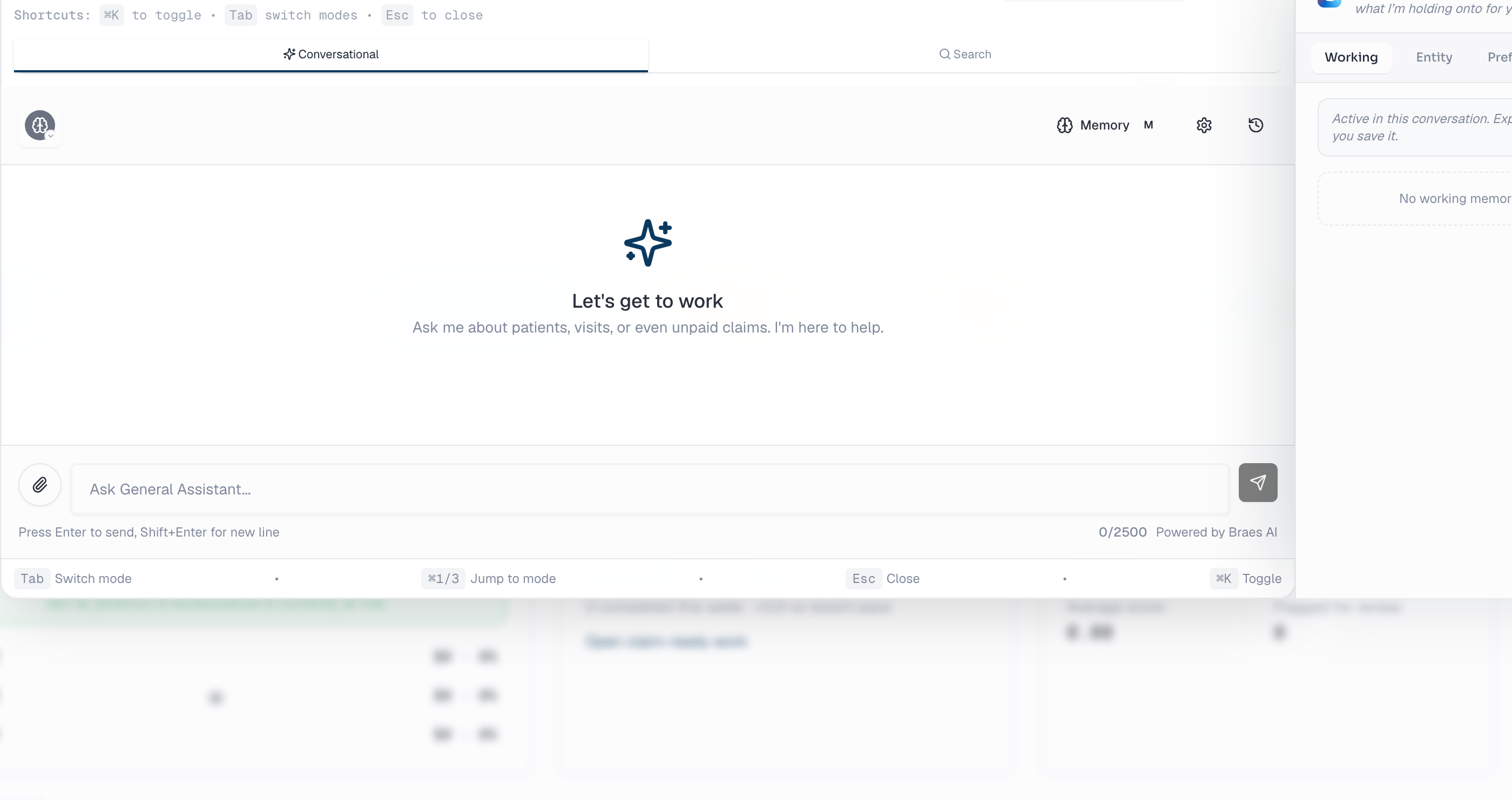
Find any screen, any tool, in two words.
Type "intake stages" and Braes routes you straight to the configuration page — plus the workload dashboard, the balancing rules, the suggestions view, and the analytics chart. Across hundreds of screens, ranked by what you actually meant. Operators stop hunting through menus.
- Smart search across 100+ screens
- Cited paths to every match
- Lands you on the right tab automatically
- Searches tasks and tools, not just pages
- Cmd+K from anywhere
Every visit reviewed before it becomes a claim.
Revenue Assurance reviews every visit note before it becomes a claim. Catches missed ICD-10 codes, miscoded acuity, missing case-mix elements, payor-specific gaps. Each Issue is cited, ranked, routed to the right person, and tracked through to fix — without anyone leaving their workflow. Filter by category, severity, or dollar amount.
- ICD-10 + acuity + case-mix review
- Payor-specific gap detection
- PDGM scenario modeling
- Connected to the workflow engine both ways
- Audit trail per Issue, per claim
The work that runs itself — and watches itself.
Dozens of supervised workflows run end to end — claim remediation, credentialing renewals, discharge planning, infection escalation, supply orders, NOA, recertification. Every action is recorded against the actor, the policy version that permitted it, and the records it touched. Where an action supports a correction or reversal path, the receipt shows it; where it does not, it says so rather than implying otherwise.
- Workflow automation center
- Supervisor evaluation on every action
- Correction and reversal path shown per action
- Parallel groups, decision steps, and waits
- Workflow event log per instance
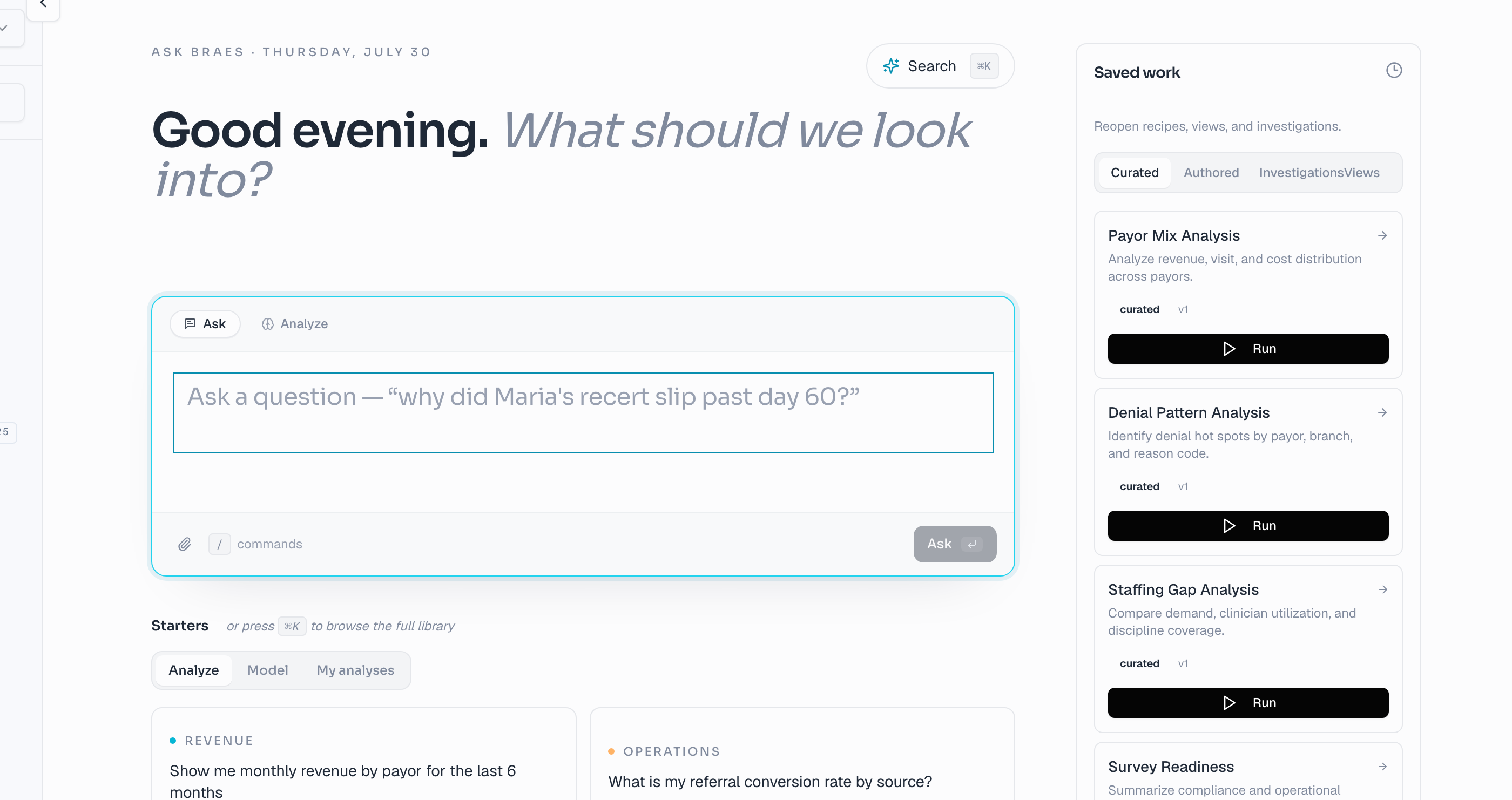
Ask in plain English. Answers from your live data.
133 governed queries covering the common operational, financial, and clinical questions, plus open-ended questions over the same governed query layer. Cited results. Switch between table and chart with a click. Export to Excel or Power BI. Every query runs against the same row-level permissions your team already has.
- 133 governed queries, kept in one catalog
- Open-ended plain-English questions
- Citation-backed results
- Excel and Power BI export
- Row-level permissions enforced on every query
One database. One audit log. No silos, by design.
One schema
Patient, episode, visit, claim, workflow, issue — all in a single database with row-level security. Every query crosses every domain because there are no domains to cross.
One workflow engine
Reads and writes the same data your team uses, supervised at every step. Dozens of templates, hundreds of registered action types, and a full audit trail per instance — including whether a given action can be corrected or reversed.
One audit trail
Every action — user, system, AI, integration — recorded to an append-only event log. Compliance-grade. Queryable for any record at any time.
Want to see it live on real data?
We'll walk one operating loop end to end on real product — detection, prepared work, the human decision, the record change, and how Braes proves the result — on the screens that matter for the role you actually hold.